










In the world of embedded development, efficiency and performance are king! Using DMA to transmit serial data is like adding a powerful booster to system performance. It not only significantly improves system running speed, but also frees the CPU from heavy data transfer tasks to handle more core business.
A new tool for embedded development!
And today I'm going to introduce to you YSGPT, a code generation tool tailored for 32-bit MCU developers by YSPRING! With it, developers can quickly generate serial DMA sending code without delving into the underlying details, and easily embark on an efficient development journey. Now, let's step into the magical world of YSGPT together and watch the video below to learn more about the entire process of code generation!

New Project
Open the YSGPT main interface, click on "Project File" ->"New Project", select YS32T031 series, then select YS32T031C8T6, click "START" to enter the main interface.
02 Project Settings
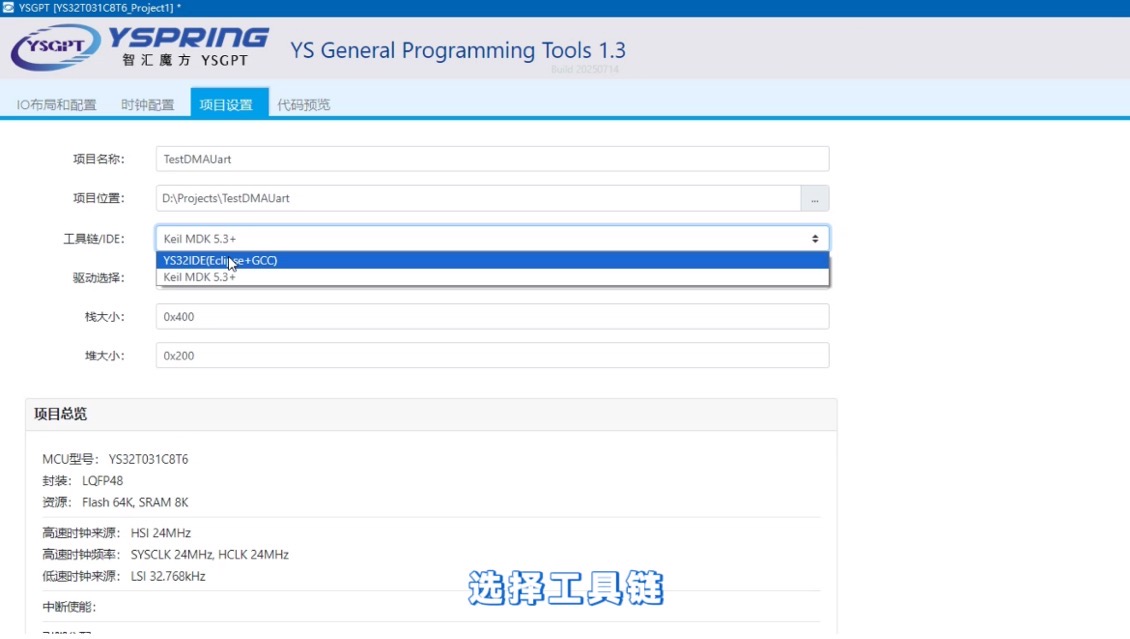
Click on the "Project Settings" tab, enter the project name for example: TestDMAUart, set the location for example: D: \ Projects \ TestDMAUart, and select the toolchain for example: YS32IDE.
03 Serial port and DMA settings
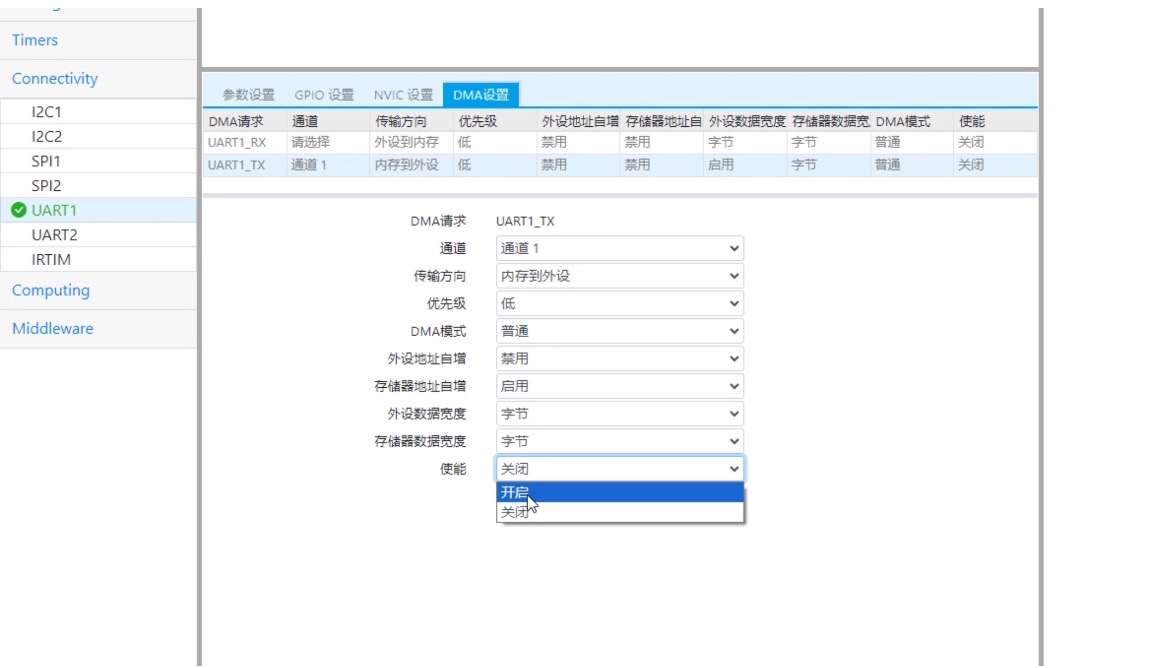
Select "UART1-TX" on pin PA9, expand the "Connectivity" submenu in "IO Layout and Configuration", and select the "UART1" peripheral. Click on the "DMA Settings" tab, select "UART1-TX", set the channel to "Channel 1", enable "Memory Address Autoincrement" and "Enable".
04 Code generation and DMA sending function writing
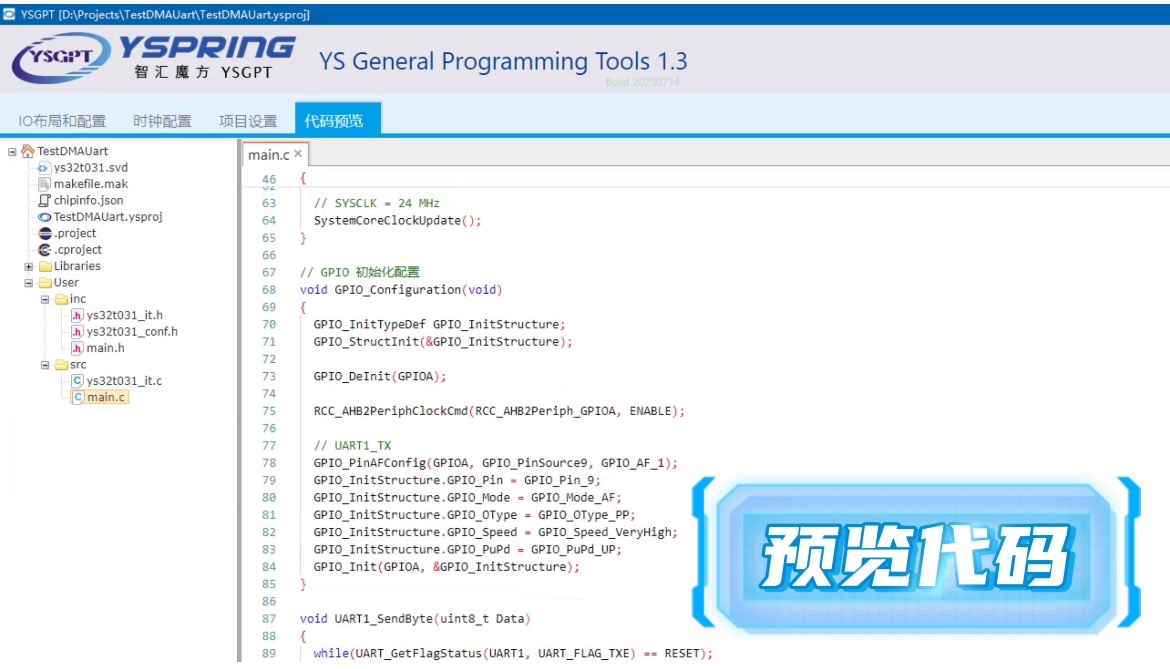
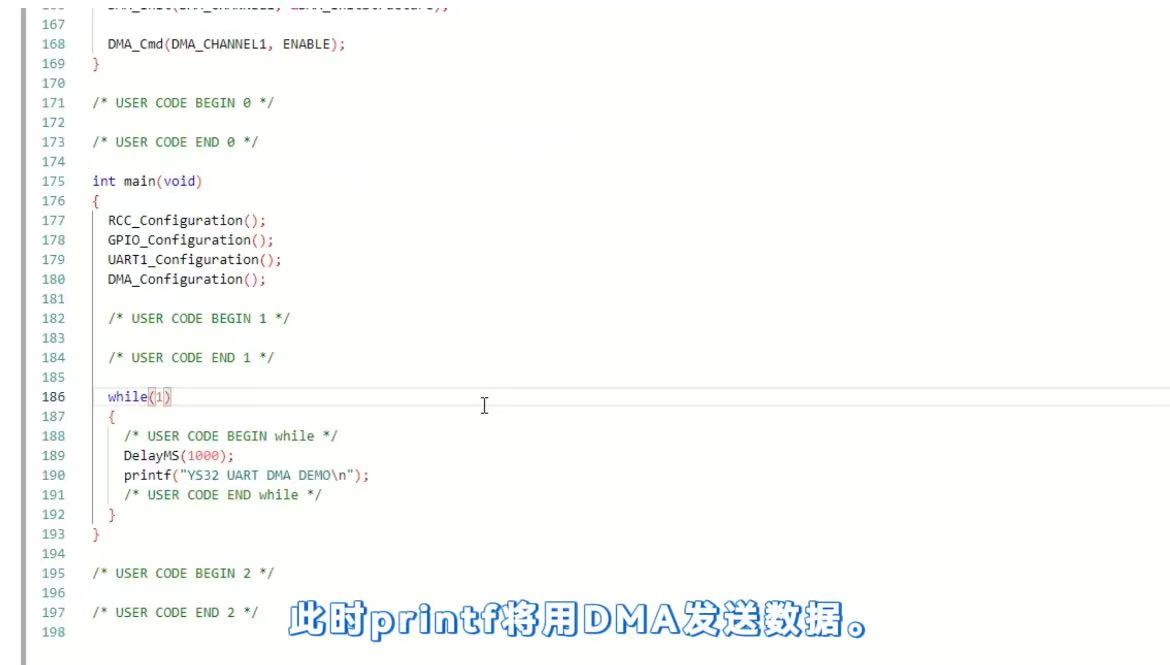
Click on 'Generate Code' to switch to the 'Code Preview' interface. Find 'User CODE BEGIN fputc' and add DMA send function declaration; Add the sending code at "w_write"; Add a print function to the main loop of the main function, allowing printf to send data via DMA.
05 Generate code and compile
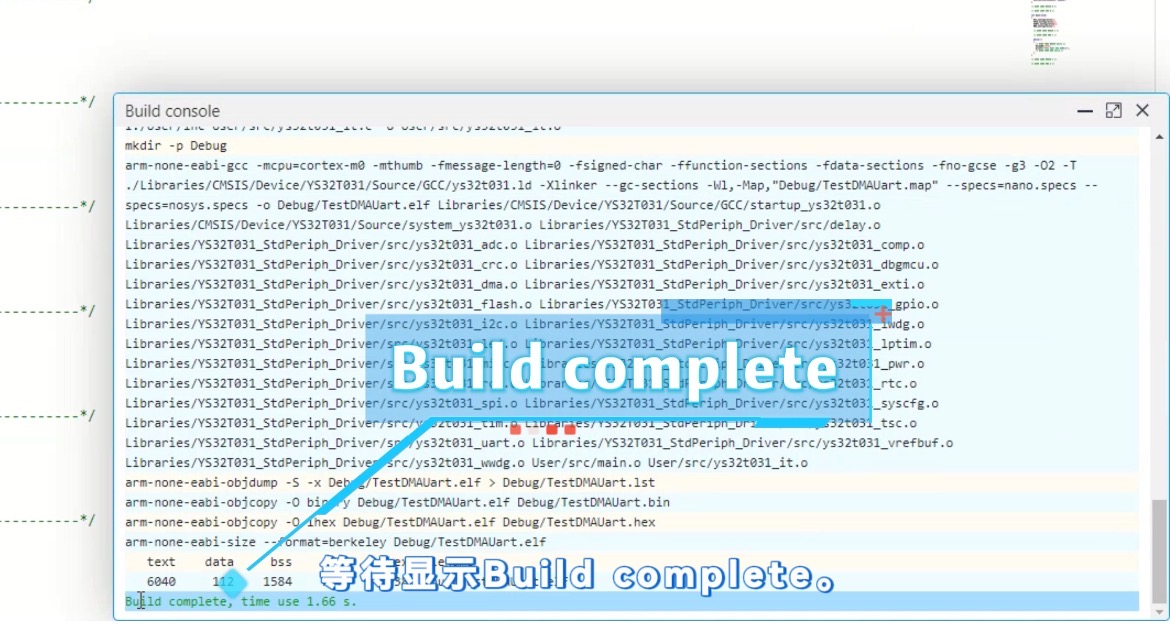
Click on 'Compile Project', wait for the compilation progress bar to finish, and display 'Build complete' to complete.
06 Program burning
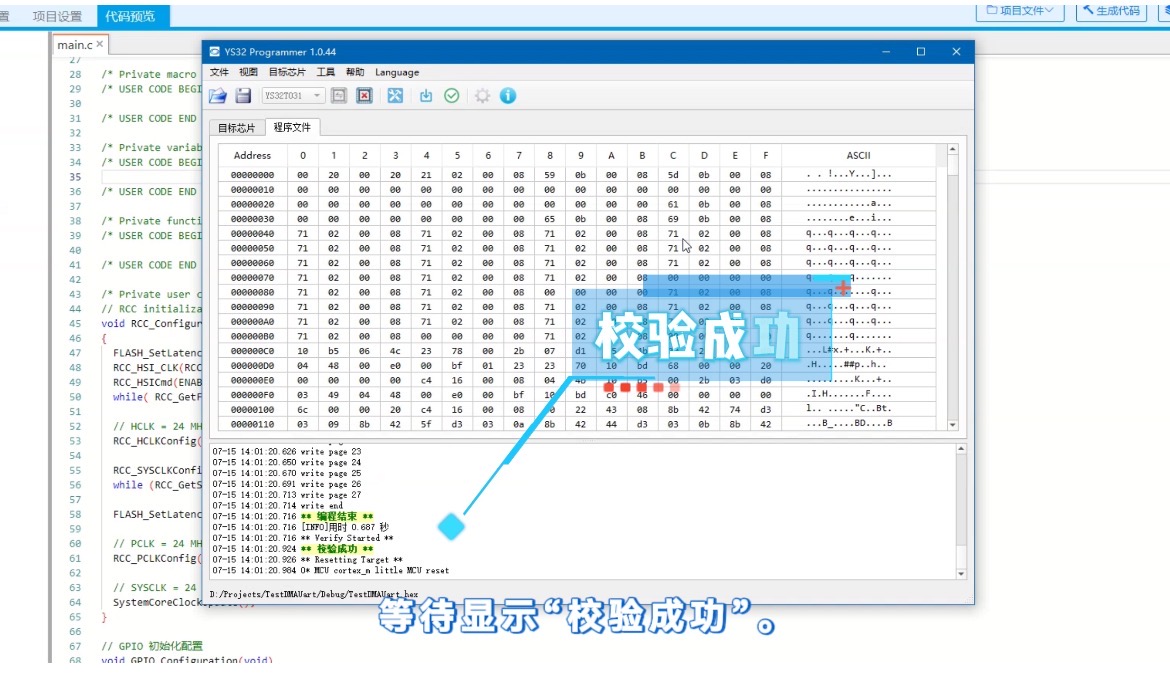
Connect the emulator to the YS32T031 core board, click on "Program Burn", and display "Verification Successful" to complete the burning process.
07 Observe serial port output
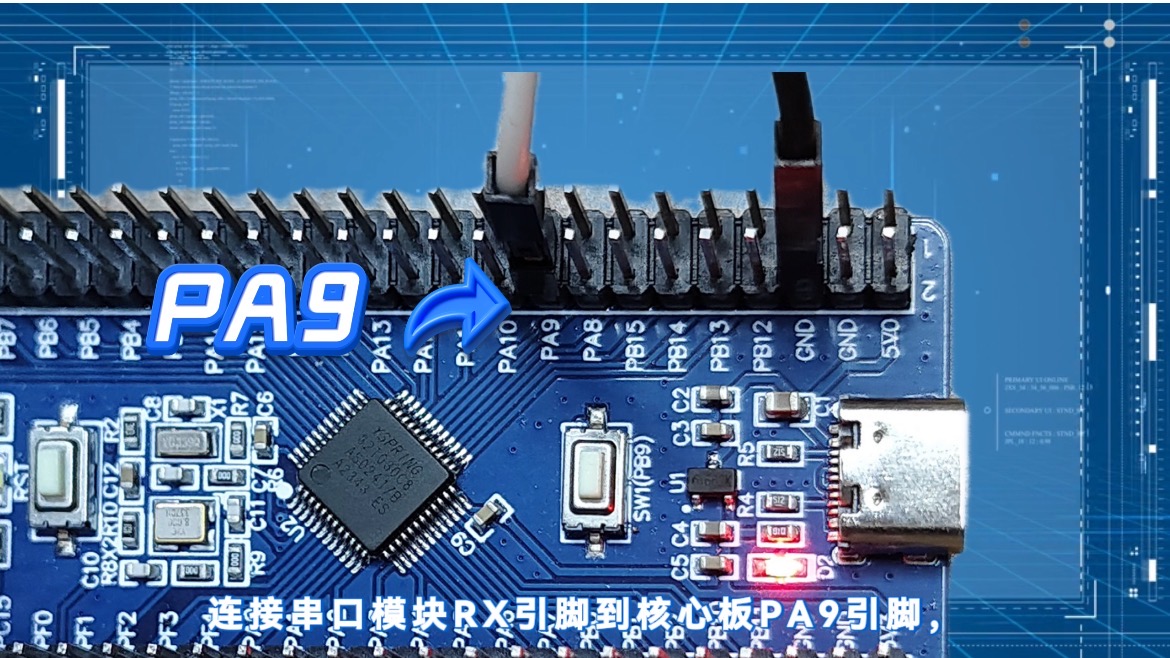
Connect the RX pin of the serial module to the PA9 pin of the core board, open the serial debugging software, and view the output information.
Through these seven steps, developers can quickly develop DMA based programs. YSGPT simplifies the development process and allows developers to focus on functional innovation.
Take immediate action and embark on an efficient development journey

What are you waiting for? Hurry up and download YSGPT software from the official website's ecosystem, and experience its powerful charm firsthand! Let intelligent technology become your reliable partner for digital transformation, and together we will embark on a new chapter of efficient collaboration!


0755-86227153


